
 DA
DAPanopto Connect | External Video Sharing Portal
Home Video solution – Panopto Video CMS & add-ons Connect
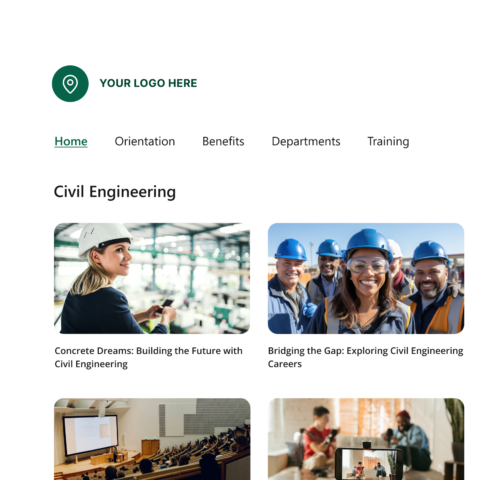
Give your video library a destination outside your LMS
Connect turns part of your Panopto library into a branded, public-facing video portal, so you can share content with alumni, partners, customers or any other audience without losing control over how it looks, who can see it, or how it's organised. The content still lives in Panopto — Connect is just where it gets shown.
Viducon is the official Panopto partner in Denmark. We handle implementation, support and workshops in Danish for your organisation, from the first demo through to daily use.
Built on top of your video CMS
Connect is an add-on that extends your Panopto library with a branded external portal. The content sits in the video CMS; Connect is what makes it reachable for audiences outside it.
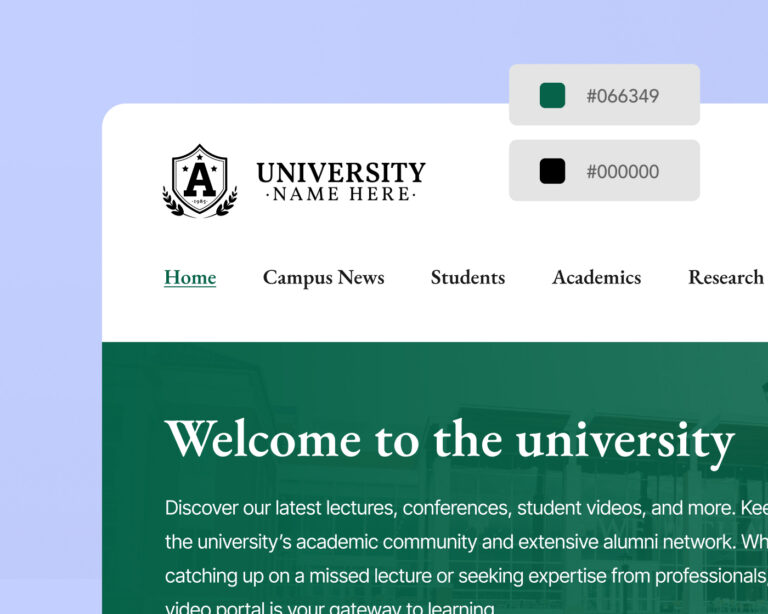
Every detail reflects your organisation, not ours
The portal header, banners, player controls, navigation and embedded player can all be styled to match your brand. Apply specific branding at folder level for departments, sub-brands or business units, so each audience gets an experience that feels considered rather than generic.
Organised around how your audience thinks, not your folder structure
Sub-pages, topic tags and custom carousels let you highlight featured content, spotlight a new release, or group related videos in a format that keeps viewers browsing, all inside your own branded environment.
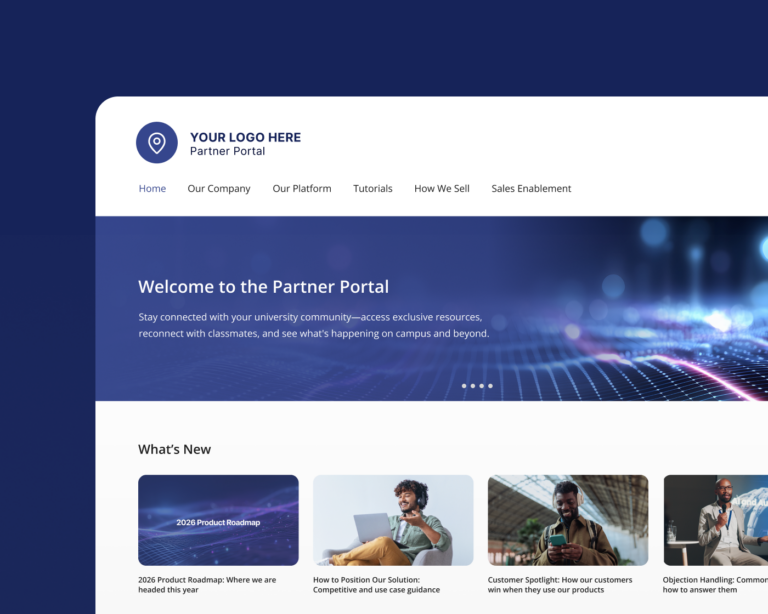
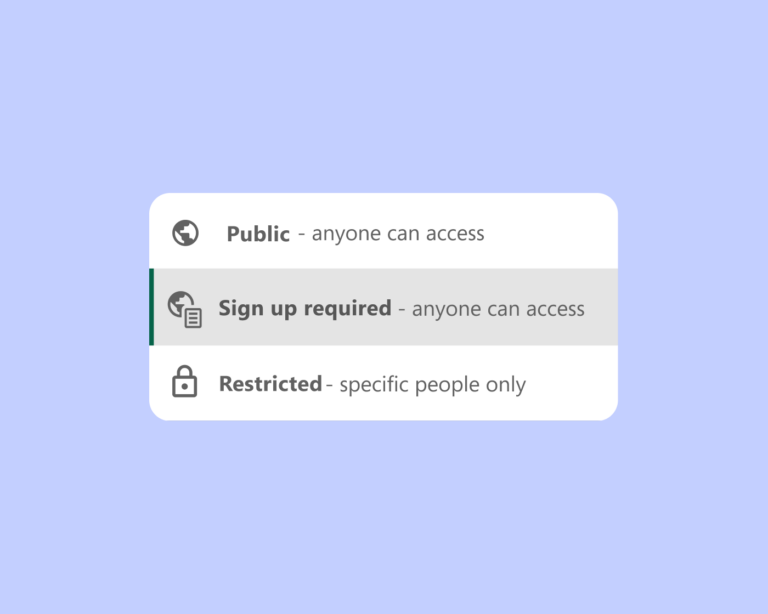
The right content to the right people, and no more
Some content is meant for everyone. Some isn't. Administrators control access at portal, page or video level, either offering a public URL to a wide audience or requiring SSO, a password, or invite-only access for content that needs tighter control.
A consistent experience on every screen, no app required
Viewers get the same quality experience whether they're on a computer, a tablet or a phone. Adaptive bitrate streaming and a mobile-friendly design handle the rest — there's nothing to download.

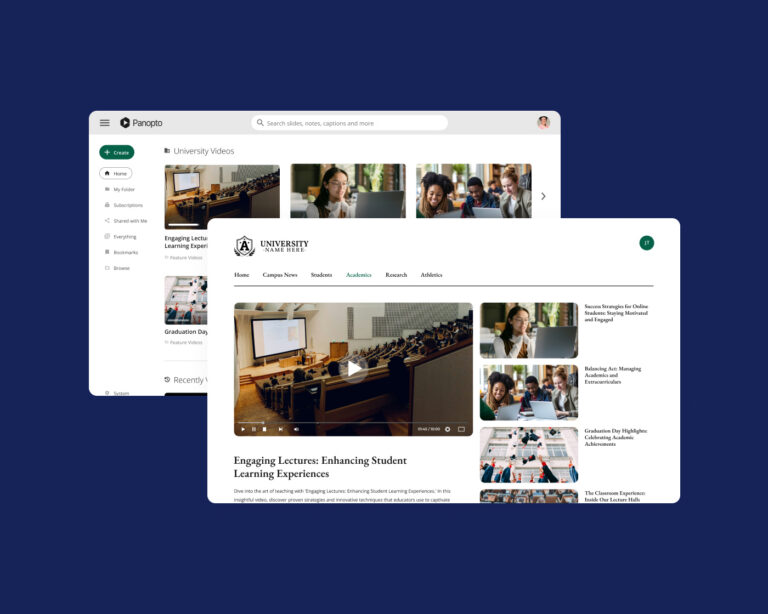
Panopto manages your videos, Connect gets them in front of the right audience
Together, Panopto's video CMS and Connect form a complete publishing path: content that's centrally managed and searchable, paired with a branded portal that makes it easy for any audience to find and watch. One platform, from upload to distribution.
Extend it further

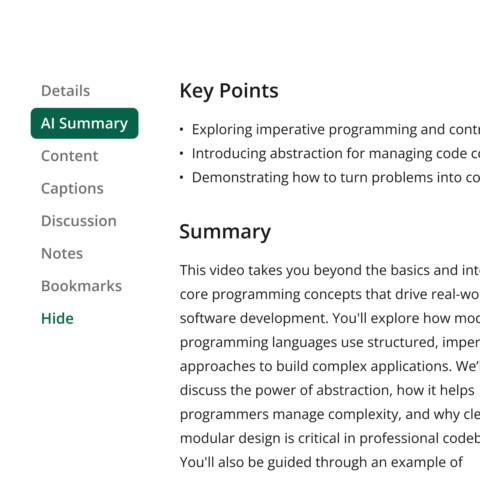
AI Video Studio
Turn a script, a PDF or a presentation into a finished video in minutes.
Knowledge Insights
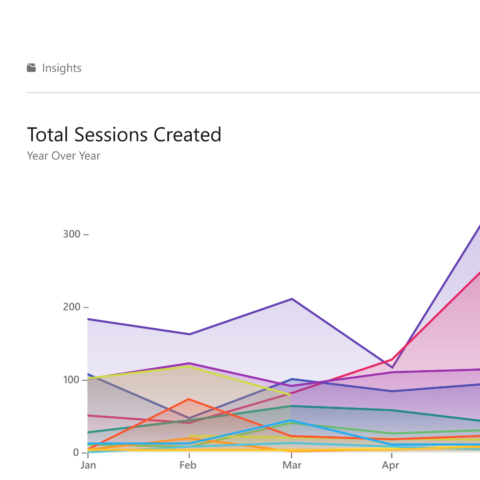
Turn learner performance data into decisions that improve outcomes.
Frequently asked questions
Can external viewers see content without a Panopto account?
Yes. Connect supports publicly accessible URLs that don't require a Panopto account or SSO. For content that needs tighter access control, you can require SSO, a password, or invite-only access, configurable at portal, page or video level.
Can I set up separate portals for different audiences?
Yes. You can run several Connect portals at once, each with its own branding, content and access rules. A university, for example, might run one portal for alumni, another for prospective students, and a third for public lectures, each managed independently.
Does everything in my Panopto library show up in the portal automatically?
No. Only content you explicitly assign to a portal is visible to external viewers — everything else in your Panopto library stays unreachable from it. You organise what's shown using sub-pages by topic, tag or category, and arrange it into custom carousels.
Does branding apply portal-wide, or can different sections look different?
Both. You can set a portal-wide look and then apply specific branding at folder level, so a department or sub-brand can have its own header and colours within the same portal.
Can Connect be purchased as a standalone product?
No. Connect is an add-on that requires an active Panopto video CMS licence. If you're not yet a Panopto customer, the video CMS is the starting point, and Connect can be added as part of your agreement.
Ready to give your video a destination?
Connect gives your video library a branded, searchable platform, built for every audience and every device, with the access controls your organisation needs to share content safely at scale.
Already a Panopto customer? Talk to your account manager about adding Connect so every audience gets a branded, searchable way to find and watch your content.