
 DA
DAVideo Content Creation and Publishing Tools - Panopto
Home Video solution – Panopto Capabilities Content creation

Give your team the tools to make clear, well-produced videos
Panopto makes it easy for the people who know the subject best to make videos – regardless of their production experience. Record, edit and publish from a single platform without outsourcing the job or bringing in specialists.
Viducon is the official Panopto partner in Denmark. We handle implementation, support and workshops in Danish for your organisation, from the first demo through to daily use.

Content creation that fits the way your teams actually work
From screen and camera recordings to AI-driven video production from scripts and slides, Panopto gives instructors, course leaders and subject-matter experts the tools to create clear, high-quality content – and get it in front of learners fast.
Record anywhere, with everything you need in one pass
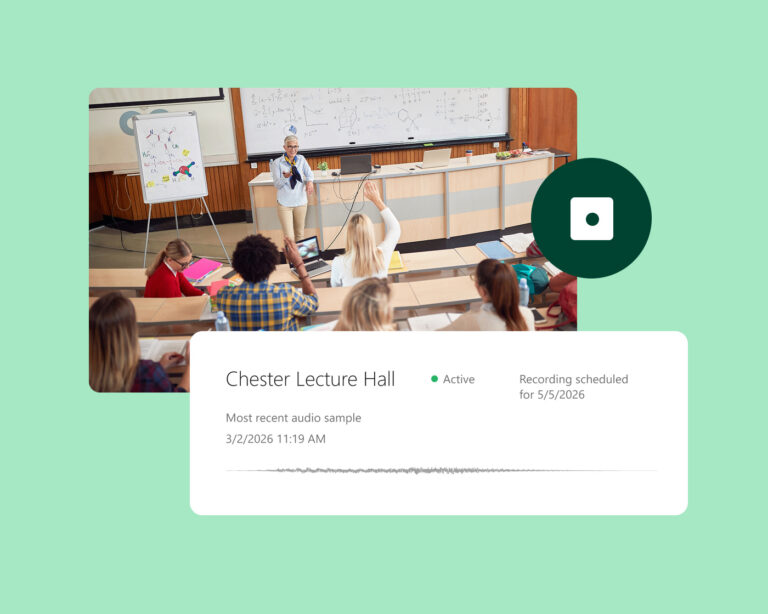
Panopto records screens, webcam, audio and multiple video sources at the same time – so instructors only need to record once, and learners get a complete, multi-stream experience. Scheduled and automatic recordings remove the hassle of setup for recurring sessions, and recordings are organised and published to the LMS automatically.
Go from a script or slides to a finished video in minutes
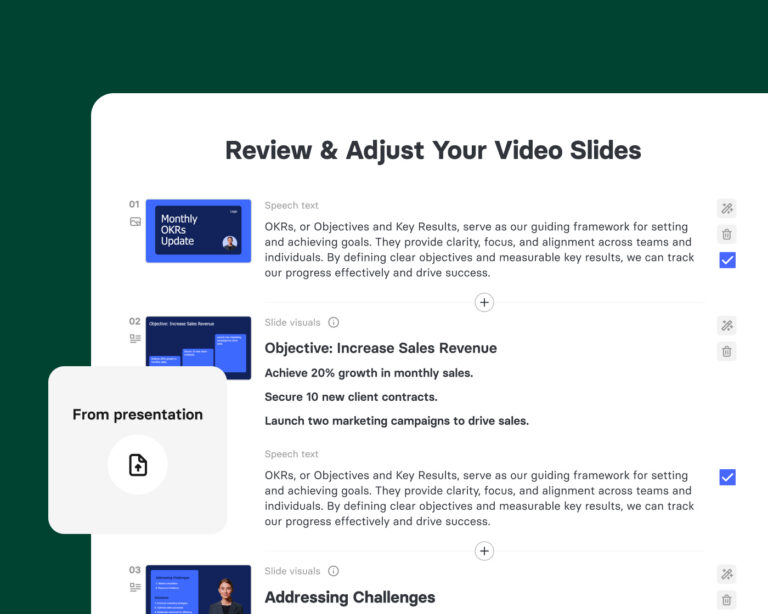
Elai, Panopto's AI Video Studio, turns scripts, presentations and documents into professional, avatar-based videos – without a camera, a studio or a production crew. Updating content takes minutes, not days, and multilingual versions are generated automatically, making it easy to keep training libraries current at scale.
Edit video content without learning a new piece of software
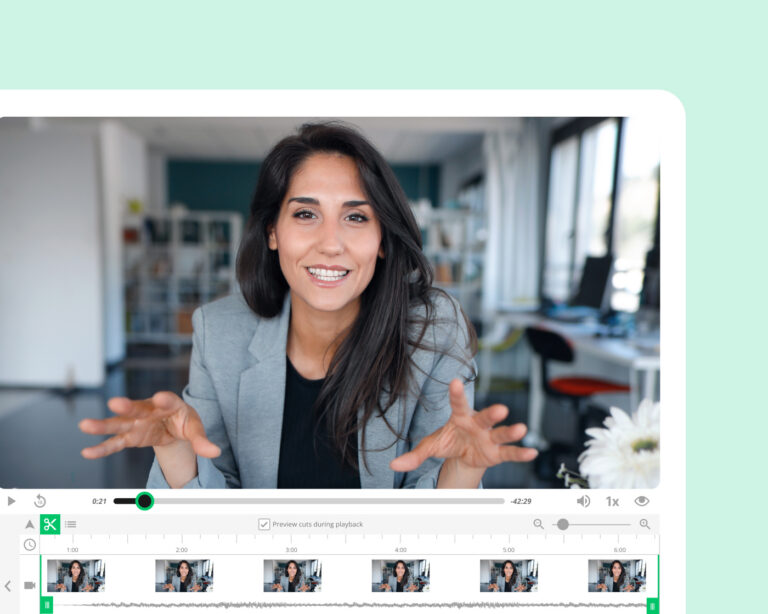
With Panopto's browser-based editor, content creators can trim recordings, remove pauses, cut segments and add captions – directly inside the platform, without exporting files or opening separate tools. Smart editing features handle common clean-up tasks automatically, keeping the time between recording and publishing short.
Organise content once and reuse it across programmes and semesters
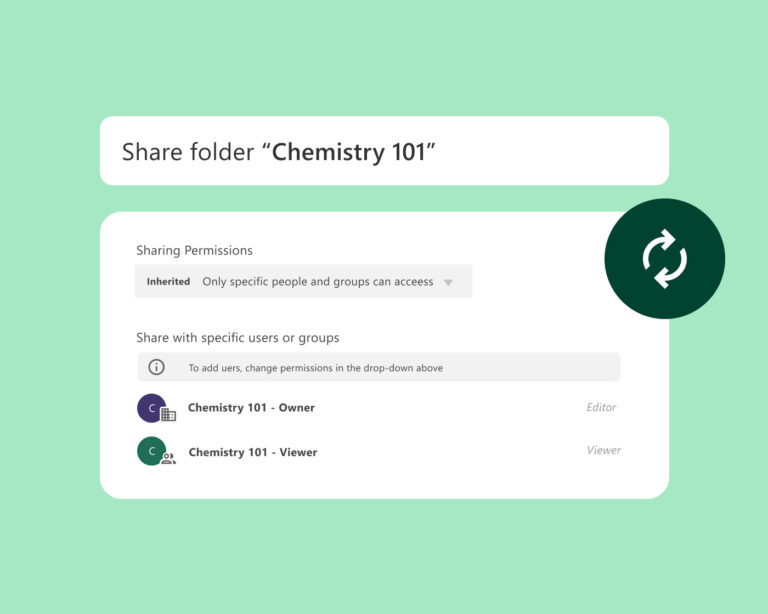
Content created in Panopto is stored in a managed library, where it can be reused across courses, sections and teams without re-recording. Version control ensures learners always see the current content, and access permissions make sure the right material reaches the right audiences.
Scale video production across the whole organisation
Elai, Panopto's AI Video Studio, gives teams a dedicated environment for producing professionally executed, avatar-based videos from text prompts, presentations and PDF files.
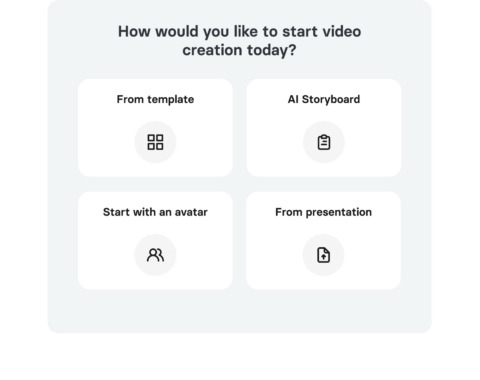
Scalable content creation
Reuse existing material or produce new videos at scale, so your content library is always up to date.
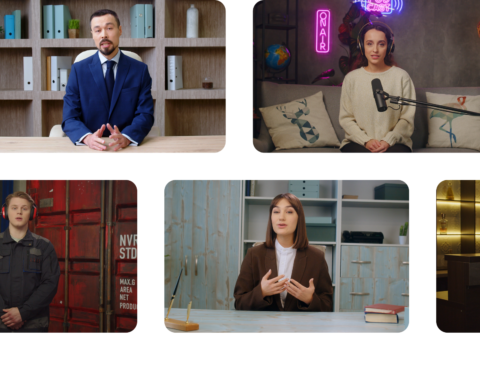
AI avatars and multilingual voiceover
Add a personal touch to your content with more than 500 realistic avatars and 450+ voices across 75 languages.
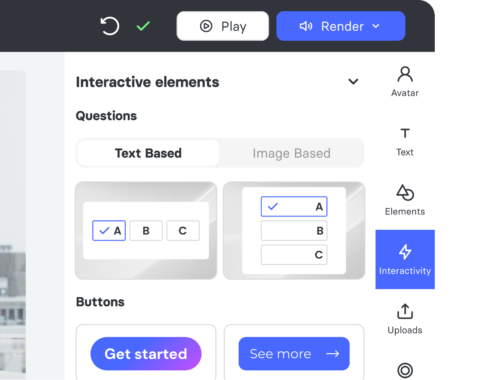
Interactive video elements
Add quizzes, buttons and branching scenarios that let your teams interact directly with the content.
See more of what Panopto can do
Content creation is one part of a platform built to get more out of video across your organisation. Take a look at the other capabilities that make it possible.
Frequently asked questions
What tools do I need to record video with Panopto?
No special equipment is required. Panopto's recording software captures screens, webcam and audio at the same time from an ordinary computer – so instructors, course leaders and subject-matter experts can record wherever they work. Scheduled and automatic recordings remove the need for manual setup for recurring sessions, and recordings are published directly to your LMS or Panopto library with no extra steps. Read more about Panopto's integrations.
Can I record multiple video sources at the same time?
Yes. Panopto supports multi-stream recording – meaning the screen, webcam and additional video sources can be captured simultaneously in a single session. Learners can switch between the different streams during playback, giving them a more complete view of the content without separate recordings or post-production editing.
Do I need video editing software to edit recordings in Panopto?
No. Panopto includes an editor that runs directly in the browser, letting users trim recordings, remove pauses, cut segments and add captions – directly inside the platform, without exporting files or opening separate tools. Smart editing features handle common clean-up tasks automatically, keeping the time between recording and publishing short.
Can I make a professional video without recording with a camera?
Yes. Panopto's AI Video Studio turns scripts, presentations and documents into fully edited videos with avatar narration – without a camera, a studio or a production crew. It's a practical option for subject-matter experts who want to produce high-quality content without recording equipment, and for teams that need to keep large training libraries current without rebuilding content from scratch.
Can I reuse video content across multiple courses or programmes?
Yes. Content created in Panopto is stored in a central library with defined governance and can be reused across courses, sections and teams without re-recording. Version control ensures learners always see the current content, and role-based permissions make sure the right material reaches the right audiences. Read more about Panopto's video CMS.
How does Panopto handle content that needs updating?
It depends on how the video was made. For recordings made with Panopto's recorder, the browser editor lets creators update specific sections without re-recording the whole video. For content made in the AI Video Studio, updates are made by editing the script text or slides for a given scene and re-rendering that section – the rest of the video stays unchanged.
Ready to get started?
See how Panopto helps teams create, update and scale video content – without content-creation overhead or the need for specialist support.